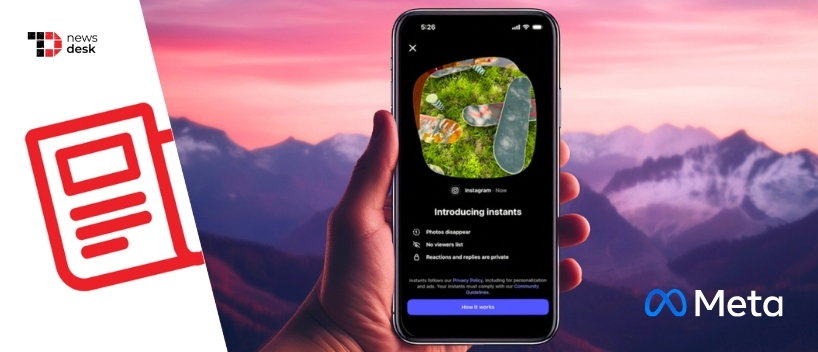
Instagram is rolling out Instants, a new photo-sharing feature built for quick, unfiltered moments sent to Close Friends or mutual followers. Shared photos disappear after they are opened and cannot be viewed after 24 hours.
The feature is designed to make sharing feel more immediate and authentic.
Unlike regular Instagram posts or Stories, users cannot upload photos from their gallery or edit Instants before sending them. They can only capture a photo in real time and optionally add a caption before sharing.
TL;DR
- Instagram Instants lets users share real-time photos with Close Friends or mutual followers.
- Photos disappear after being viewed and expire within 24 hours.
- Users cannot upload from their gallery or edit Instants before sending.
- A standalone Instants app is rolling out in select countries on iOS and Android.
Instagram Instants Brings Disappearing Real-Time Photos To Close Friends
Instagram is introducing Instants, a new way to share photos as they happen, without the polish and editing that usually comes with social media posts.
The feature lets users send real-time photos to their Close Friends or followers they follow back. Once opened, those photos disappear, and even unopened Instants cannot be viewed after 24 hours.
The idea is simple, quick sharing without overthinking. Unlike regular Instagram posts or Stories, Instants cannot be edited before they are sent. Users can add a caption, but they cannot apply further tweaks or upload an older image from their phone gallery.
That makes Instants more about what is happening now than what looks best later.
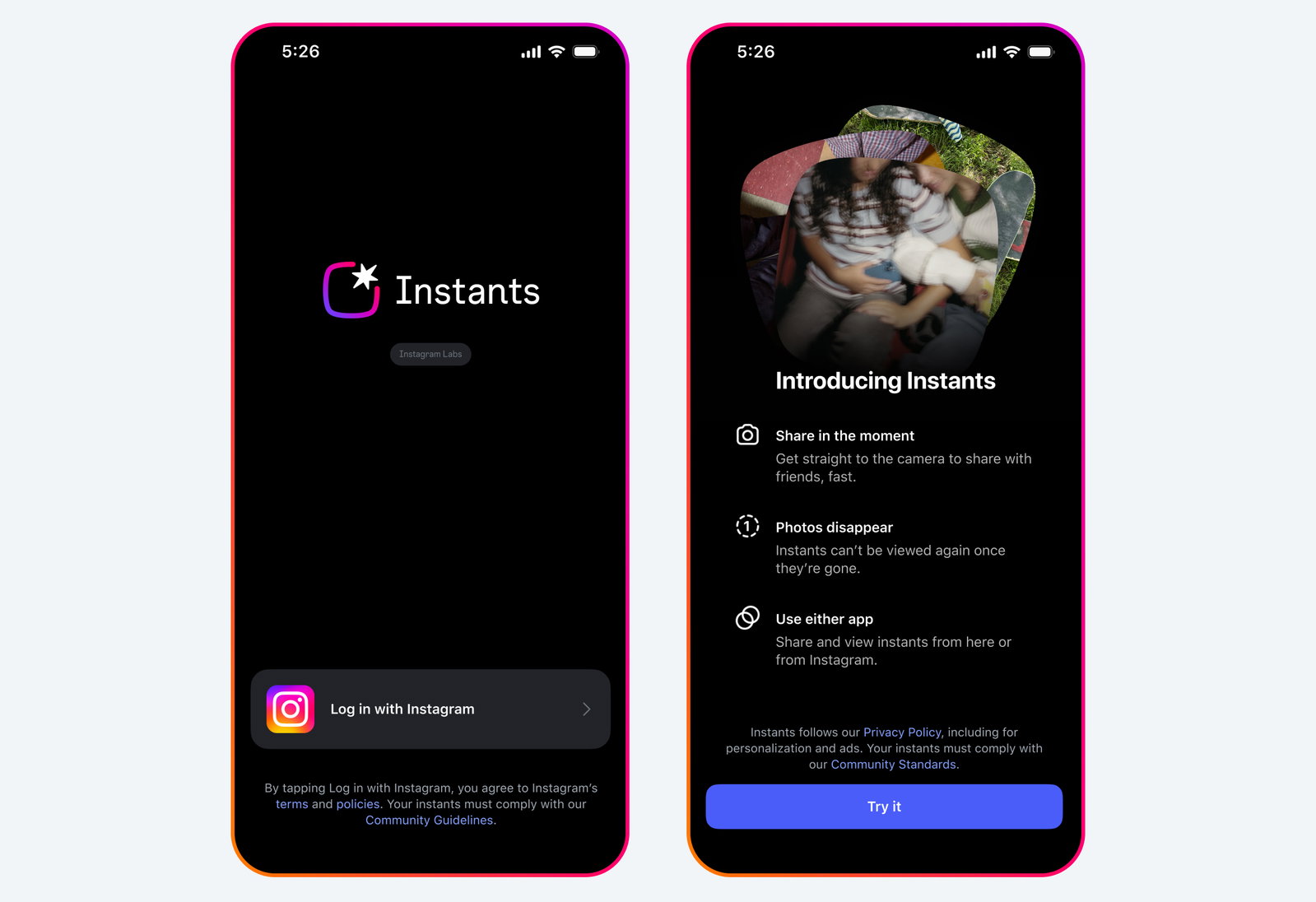
How Instagram Instants Works Inside The App And Standalone Camera
Users can capture an Instant by tapping the mini pile of photos at the bottom-right corner of the Instagram inbox. They can also use the standalone Instants app, which opens directly to the Instants camera after logging in with an Instagram account.
From there, users snap a photo in real time, add an optional caption, and choose whether to share it with Close Friends or mutual followers. Recipients can react with emojis, reply, and send Instants back.
The photos appear as a pile in friends’ inboxes and disappear once viewed. Instants shared through the standalone app will still reach friends viewing them inside Instagram, keeping the experience consistent across both apps.
The standalone Instants app is rolling out in select countries on iOS and Android, while Instants is available globally as an Instagram feature starting today.
Instagram Adds Archive, Recaps, Undo, Snooze, And Screenshot Blocking
Instagram is also adding features designed to make Instants feel low-pressure while giving users more control over what they send.
A private archive saves shared Instants for up to one year, visible only to the sender. From that archive, users can create a recap and post it to Instagram Stories by tapping Create recap.
Instagram is also blocking screenshots and screen recordings for Instants, adding another layer of privacy for temporary sharing. Users who send something by mistake can tap undo before friends see it, or delete an Instant from their archive to unsend it to anyone who has not opened it yet.
For users who need a break, the snooze feature lets them temporarily stop receiving Instants by holding down the pile in the inbox and swiping right. They can bring Instants back by holding the same spot and swiping left.
Topics For More Insights
- Meta Starts Testing Instagram Plus, A Premium Subscription Focused On Stories
- Meta To Test Premium Subscriptions Across Instagram, Facebook, And WhatsApp
- Instagram To Alert Parents If Teens Repeatedly Search Suicide Or Self-Harm Terms As UK Considers Tighter Youth Restrictions
- Instagram And YouTube Face $6M Penalty Over Child Safety Failures!
Instagram Extends Safety And Teen Protections To Instants
Instagram says its existing safety and privacy tools also apply to Instants. Controls such as Block, Mute, and Restrict work with the feature, meaning users can limit who can reach them through Instants.
The company is also applying its teen safety systems automatically. Instants is integrated with Teen Accounts and Family Center, so parents already supervising a teen on Instagram will have that supervision extended to Instants without a separate setup.
Time spent on Instants counts toward a teen’s daily Instagram time limit. Sleep Mode will mute notifications and restrict access by default between 10 PM and 7 AM for teens.
Instagram’s safety tools, including block, mute, restrict, content filters, and reporting, will also work on Instants. Parents of supervised teens will be notified the first time their teen downloads the standalone Instants app.
With Instants, Instagram is leaning into a more immediate and less curated form of sharing, while still keeping it tied closely to existing Instagram relationships, controls, and teen protections.

