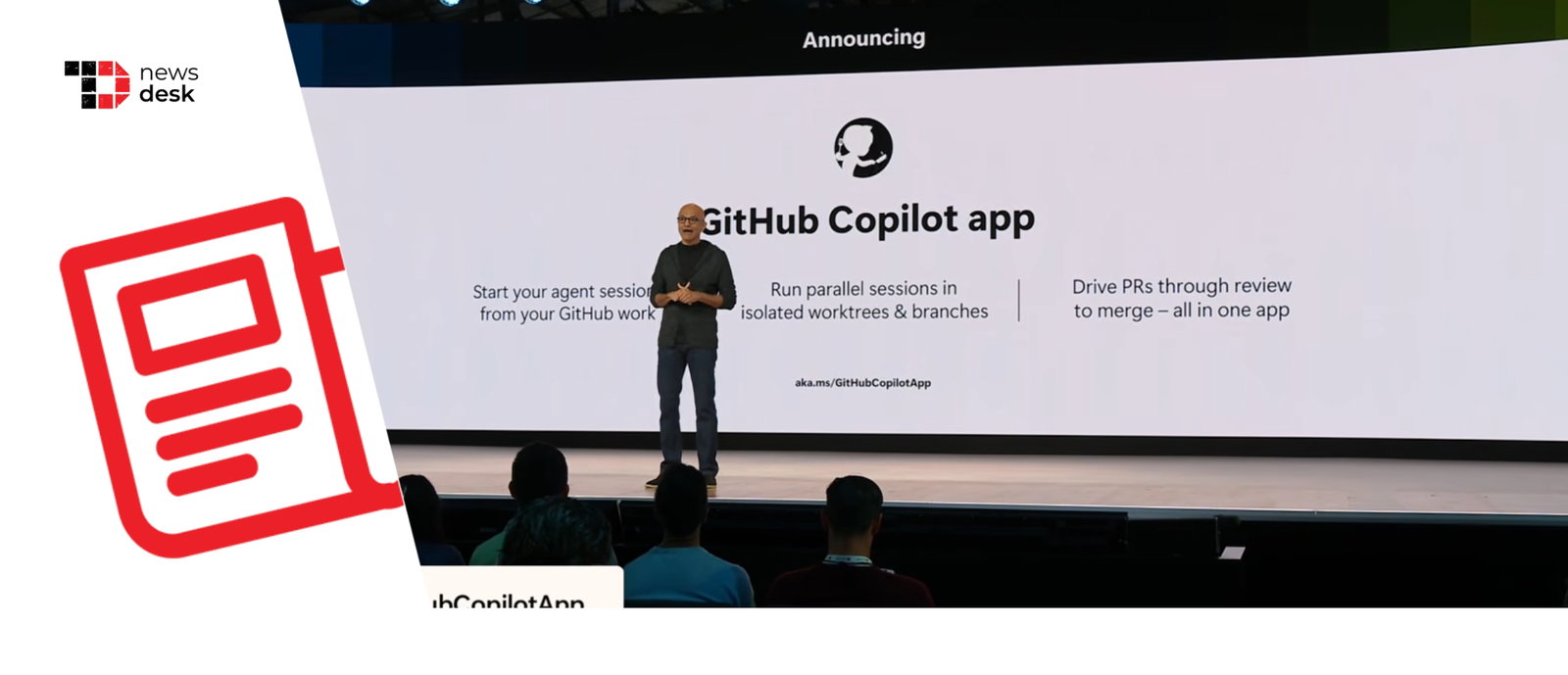
GitHub has introduced the GitHub Copilot app at Microsoft Build 2026, bringing a new desktop experience that lets developers manage AI coding agents, inspect their work, review pull requests and keep software projects moving from one central surface.
TL;DR
-
GitHub Copilot app is now in technical preview.
-
It acts as a control center for AI coding agents.
-
Developers can run agent sessions in isolated git worktrees.
-
New canvases, sandboxes, Agent Merge and Copilot SDK updates expand agentic development.
GitHub Copilot App Becomes A Home For AI Agents
At Microsoft Build 2026, GitHub unveiled the GitHub Copilot app, a desktop tool designed for what it calls an agent-native development experience.
The app is built to help developers manage multiple AI coding agents without switching between chats, editors, terminals, issues and pull requests. Its My Work view brings active sessions, pull requests, issues, background tasks and connected repositories into one place.
The app is currently available in technical preview for GitHub Copilot Pro, Pro+, Business and Enterprise users.
GitHub says the move comes as agentic development becomes a bigger part of software work. According to the company, GitHub commits nearly doubled year over year, crossing 1.4 billion per month, while GitHub Actions usage reached more than 2 billion minutes per week.
Isolated Sessions And Canvases Improve Control
A key part of the Copilot app is that each agent session runs in its own git worktree. This allows developers to run several AI tasks in parallel, such as fixing bugs, handling backlog issues or responding to pull request feedback, without one task interfering with another.
GitHub also introduced canvases, which act as shared work surfaces for developers and agents. A canvas can show a plan, pull request, terminal, browser session, dashboard or deployment state, making agent work easier to inspect and redirect.
According to GitHub, this is part of a broader shift toward “agent experience,” or AX, where humans and AI agents collaborate in more visible and auditable workflows.
GitHub is also adding cloud and local sandboxes for Copilot. These isolated environments help restrict what agents can access, including files, networks and system resources.
The company also introduced Agent Merge, which can help move pull requests through checks, reviews and merge conditions. However, GitHub says developers still decide how much automation is enabled and what actually gets shipped.
Copilot code review is also expanding with custom agent skills, Model Context Protocol connections, configurable GitHub Actions workflows, a higher-reasoning review option and a security review skill.
Copilot SDK And CLI Expand The Agent Workflow
GitHub also made the Copilot SDK generally available across Node.js/TypeScript, Python, Go, .NET, Rust and Java. This gives teams access to the same agentic runtime powering the Copilot app.
For command-line users, Copilot CLI is getting a redesigned interface, voice input and scheduled tasks.
Overall, GitHub is positioning Copilot as more than an AI pair programmer. With the Copilot app, it wants developers to assign, review, validate and ship software with AI agents, while keeping humans in control of final decisions.
