Audio and Visual Technology
Best HDMI Adapters and Splitters
Share
TL;DR
Whether you are duplicating a display, linking a monitor to a laptop, or creating a cleaner entertainment setup, the right choice of HDMI accessories keeps your connection reliable and smooth.
-
HDMI adapters and splitters simplify audio-video connectivity across devices.
-
They help connect laptops, TVs, monitors, projectors, and gaming consoles.
-
Adapters convert HDMI to other ports for better compatibility.
-
Splitters let one HDMI source display on multiple screens.
-
The right accessory ensures smoother, cleaner, and more reliable setups.
Introduction
Ever desired your screen setup could pull a full-fledged “Doctor Strange in the Multiverse” move and stream across multiple worlds simultaneously? whether it’s a gaming console powering a bigger display, a laptop trying to talk to a monitor, or a streaming device that shares spotlight with more than one screen, modern display setups often demand something more than a mere plug-and-play connection.
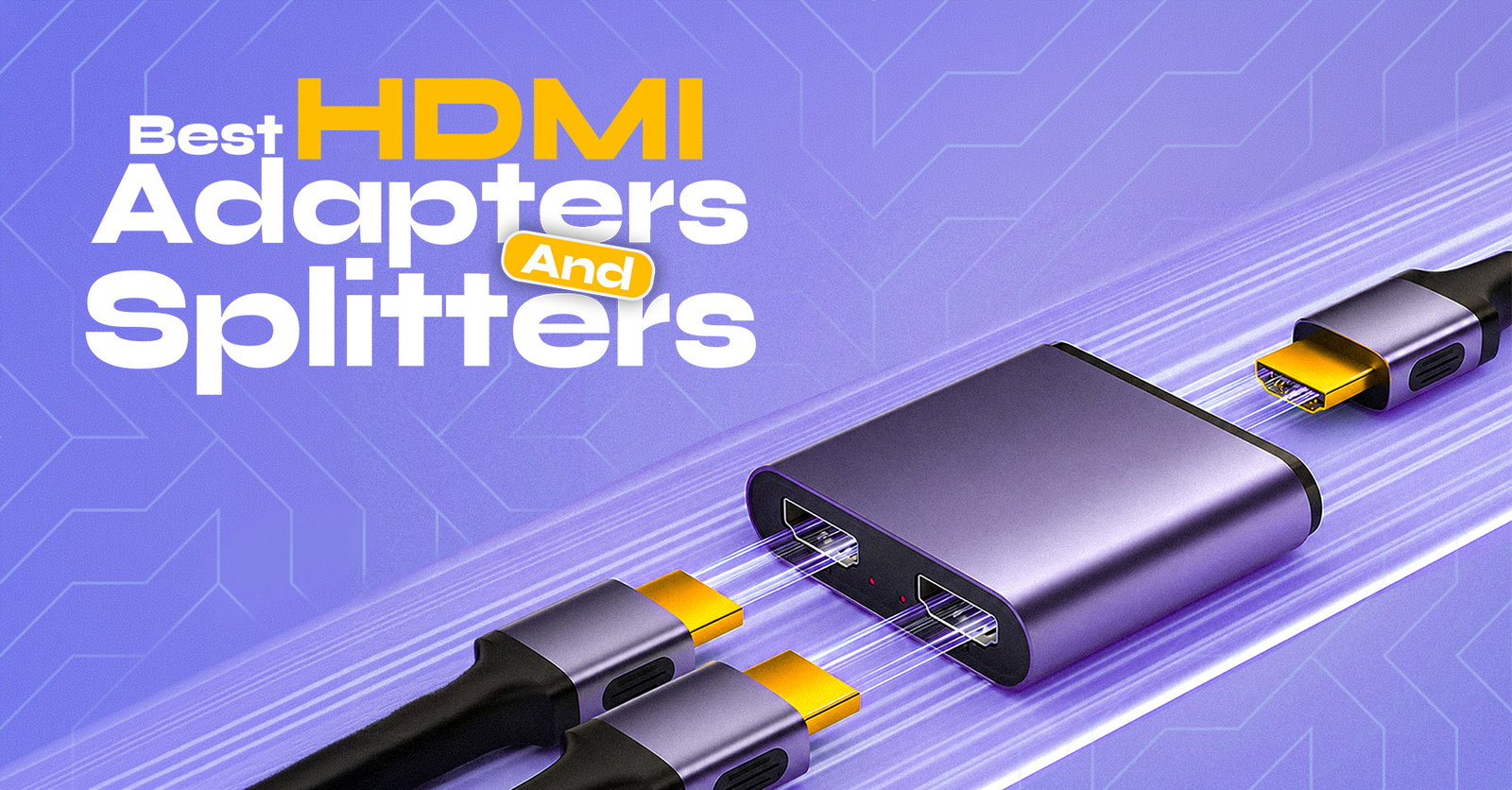
That’s where HDMI adapters and splitters appear in the scene. These robust yet compact accessories help expand display options, bridge compatibility gaps, and route HD audio and video with minimum fuss.
From classrooms and boardrooms to home theaters and gaming dens, HDMI adapters and splitters make it simpler to connect the right device to the right display, without turning your cable setup into tech chaos.
Although both serve the purpose in more or less the same framework, there stands a difference.
An HDMI adapter helps connect two devices with different ports or compatibility needs. For example, you might use a USB-C to HDMI adapter to connect a laptop to a TV, or an HDMI to VGA adapter for an older projector. Its job is to convert or bridge one connection type to another.
An HDMI splitter, on the other hand, takes one HDMI signal and sends it to multiple screens at the same time. For example, you could connect one gaming console, laptop, or streaming device to two TVs or monitors. Its job is to duplicate one source across multiple displays.
Best 5 HDMI Adapters And Splitters In 2026
Finding the best HDMI adapters and splitters of 2026 is all about making your screens work smarter, whether you’re connecting a laptop, console, projector, or home theater setup.
From smooth 4K streaming to multi-display productivity, the right HDMI accessory can turn cable chaos into a clean, reliable connection hub.
Top 5 HDMI Adapters
Upgrade your screen setup with the Top 5 HDMI adapters built for sharper visuals, smoother connectivity, and reliable multi-device performance.
TP-Link UA520C
The TP-Link UA520C emphasizes simple display expansion, turning a USB-C port into an HDMI output for monitors, TVs, and projectors. It combines 4K@60Hz video output, broad device compatibility, and plug-and-play setup in a compact braided-cable design.

Connector Type: 1× USB Type-C connector on the input side and 1× HDMI interface on the output side. TP-Link also notes that the USB-C host device must support video output via DP Alt Mode.
Resolution And Refresh Rate: Supports HDMI display output up to 4K at 60Hz, making it suitable for high-resolution presentations, streaming, extended monitors, and mirrored displays.
Bandwidth And Protocol Standards: TP-Link does not publicly list a specific bandwidth figure for the UA520C in the official specs/datasheet. The confirmed protocol requirement is USB-C DisplayPort Alt Mode for video output, while the certifications listed include HDMI, CE, FCC, RoHS, and BSMI.
UGREEN 8K@60Hz (HDMI 2.1)
The UGREEN 8K@60Hz HDMI 2.1 is built for users who seek UH resolution video output with smoother refresh rates for streaming, gaming, presentations, and multi-display setups. Its Micro HDMI to HDMI 2.1 version supports high-speed bandwidth, bi-directional audio-video transmission, HDR visuals, and optimized audio features in a compact adapter design.

Connector Type: It uses a Micro HDMI Type-D connector on one side and a standard HDMI 2.1 female connector on the other. UGREEN lists it as bi-directional, meaning it can transmit audio and video between Micro HDMI and full-size HDMI devices, such as Raspberry Pi boards, cameras, portable monitors, laptops, consoles, TVs, and projectors.
Resolution And Refresh Rates: It supports up to 8K@60Hz, along with 4K@240Hz, 4K@165Hz, 4K@144Hz, 4K@120Hz, 4K@60Hz, 2K 1440p@144Hz, and 1080p@240Hz, making it suitable for both high-resolution viewing and fast-refresh gaming displays.
Bandwidth And Protocol Standards: The adapter is based on HDMI 2.1 technology and is rated for 48Gbps transmission bandwidth. It also supports Dynamic HDR, HDR+, Dolby Vision, eARC, VRR, ALLM, and advanced audio formats including DTS Master, DTS:X, Dolby TrueHD, and Dolby Atmos 3D surround sound.
j5create USB Type-C to 4K HDMI Adapter
The j5create USB Type-C to 4K HDMI Adapter, commonly listed as the JCA153, is designed to connect a USB-C laptop, Chromebook, tablet, or PC to an HDMI monitor, projector, TV, or display. It offers a short USB-C cable, plug-and-play setup with an aluminum case, and support for 4K video output without needing separate drivers.

Connector Type: It has a USB Type-C male connector on the host side and an HDMI female connector on the display side. j5create also notes that the host device needs DisplayPort Alternate Mode over USB-C for video output.
Resolution And Refresh Rates: The adapter supports up to 4K resolution, listed by j5create as 4K@ 30Hz to 4K@ 60Hz max. For 4K output in that range, the source device or graphics card must support DisplayPort v1.2.
Bandwidth And Protocol Standards: j5create lists the adapter as HDMI 2.0 compliant and compatible with DisplayPort Mode over USB-C. The official product page does not provide a specific bandwidth figure, but HDMI 2.0-class adapters are generally associated with 4K@60Hz capability when the connected USB-C source supports the required DP Alt Mode output.
UGREEN 90-Degree HDMI Adapter
The UGREEN 90-Degree HDMI Adapter is designed for constrained spaces where a straight HDMI cable might bend behind monitors, TVs, wall-mounted displays, or consoles. Its right-angled built helps alleviate cable strain while still supporting high-quality HDMI audio-video transmission for everyday gaming, entertainment, and display setups.

Connector Type: It uses an HDMI male to HDMI female design with a 90-degree right-angle connector. The UGREEN 20109 version is listed as a down-right-angle HDMI extension connector with gold-plated connectors.
Resolution And Refresh Rates: It supports resolutions up to 4K × 2K, including 1440p, 1080p, 1080i, 720p, and 480p. The UGREEN India listing specifically highlights 4K@60Hz support for this HDMI 2.0 adapter.
Bandwidth And Protocol Standards: The adapter is listed as an HDMI 2.0 accessory. UGREEN’s listing also mentions support for ARC, HDMI Ethernet Channel, 48-bit Deep Color, 32-channel audio, HDCP, Dolby TrueHD 7.1 audio, and 3D video; the official listing I found does not state a specific Gbps bandwidth figure for this adapter.
Anker 5-in-1 USB C Hub
The Anker 5-in-1 USB-C Hub is a compact multi-port adapter that turns a single USB-C port into a practical workstation hub with HDMI display output, USB-C Power Delivery input, and USB data ports. For HDMI utility, the commonly listed Anker 332 USB-C Hub/5-in-1 with 4K HDMI supports extension up to 4K@30Hz or external display mirroring, making it useful for monitors, laptops, and projectors.

Connector Type: It connects to the host device via USB-C and provides 1× HDMI port, along with 2× USB-A ports, 1× USB-C data port, and 1× USB-C PD-IN charging port. Anker notes that the USB-C data port does not support media/display output, while the PD-IN port is for charging input only.
Resolution And Refresh Rates: The HDMI port supports external display output up to 4K@30Hz in mirror or extend mode. This makes it suitable for everyday productivity, presentations, streaming, and second-screen setups, though it is not a 4K@60Hz HDMI adapter.
Bandwidth And Protocol Standards: The hub’s USB-A and USB-C data ports support transfers up to 5Gbps, while the USB-C PD-IN port supports up to 100W input, with up to 85W pass-through charging on the Anker 332 version. Anker does not list a specific HDMI bandwidth figure for this model; however, the confirmed display specification is 4K@30Hz HDMI output, and USB-C host compatibility depends on display-output support from the connected device.
Top 5 HDMI Splitters
Discover the Top 5 HDMI Splitters that make multi-display setups easier, sharper, and more reliable.
Orei UHDS-104 4K 1x4 Splitter
The Orei UHDS-104 4K 1x4 HDMI Splitter distributes one HDMI source to four displays simultaneously, supporting up to 4K@60Hz, HDMI 2.0b, and 18Gbps bandwidth for stable UHD video output. It also includes EDID management and passes high-definition audio formats for multi-display AV setups.

Number Of Output Ports: 4 HDMI outputs with 1 HDMI input
HDCP Compatibility: HDCP 2.2 compliant
Audio Format Support: Supports LPCM 7.1CH, Dolby TrueHD, and DTS-HD Master Audio.
gofanco Prophecy Intelligent 4K 120Hz
The gofanco Prophecy Intelligent 4K 120Hz HDMI Splitter is a high-performance 1x2 HDMI splitter built for gaming, broadcasting, digital signage, and high-quality AV setups, supporting up to 4K@120Hz, 40Gbps bandwidth, VRR, ALLM, CEC, EDID management, and audio extraction. It distributes one HDMI source to two displays simultaneously while supporting modern HDMI and HDCP standards for stable video and audio transmission.

Number Of Output Ports: 2 HDMI output ports, with 1 HDMI input
HDCP Compatibility: Supports HDCP 2.3/1.4
Audio Format Support: Supports 7.1/5.1/2.1-channel audio, latest HDMI digital audio formats, plus audio extraction to Toslink and stereo
Avedio Links 8K HDMI Splitter
The Avedio Links 8K HDMI Splitter is an HDMI 2.1 splitter designed to duplicate one HDMI source across multiple displays, supporting up to 8K@60Hz, 4K@120Hz/144Hz, 48Gbps bandwidth, HDR10, Dolby Vision, VRR, and ALLM. It is best suited for gaming, home theater, presentations, and multi-screen mirroring setups where the same content needs to appear on connected displays.

Number Of Output Ports: 2 HDMI outputs, with 1 HDMI input
HDCP Compatibility: Supports HDCP 2.3
Audio Format Support: Supports Dolby HD, DTS-HD, Dolby Atmos, Dolby AC3, DTS, and LPCM
Orei SplitExtend (1x2)
The OREI SplitExtend (1x2) / USBC2HDMI2 is a USB-A/USB-C to dual-HDMI display adapter made for extending or mirroring a laptop/desktop workspace across two external monitors. It supports one display up to 4K@30Hz and another up to 1080p@60Hz, with driver-based operation for productivity, presentations, browsing, and multitasking.

Number Of Output Ports: 2 HDMI outputs, with 1 USB-C or USB 3.0 male input
HDCP Compatibility: NA
Audio Format Support: USB video/display adapter with resolution and data transmission specs
Lemorele 4K@60Hz Bi-Directional Switcher/Splitter
The Lemorele 4K@60Hz Bi-Directional Switcher/Splitter is a compact HDMI 2.0 device that works in 2-in-1-out or 1-in-2-out mode, supporting up to 4K@60Hz, 18Gbps bandwidth, 3D, and 10/12-bit color depth. However, it is mainly a manual HDMI switch, not a true simultaneous splitter, meaning in 1-in-2-out mode it does not display on two screens at the same time.

Number Of Output Ports: 1 active output in switch mode; physically supports 2 HDMI ports + 1 HDMI port in bi-directional use, but 1-in-2-out does not support simultaneous dual-display output.
HDCP Compatibility: Supports HDCP 2.2
Audio Format Support: Specific Dolby/DTS formats are not clearly listed in the available product details; the listing mainly highlights HDMI 2.0, 4K@60Hz, 18Gbps, 3D, and device compatibility.
Final Thought
Choosing the top HDMI adapter and splitter comes down to your display requirements, setup, and performance expectations. Whether you need a 1x2 splitter for dual screen streaming, a simple adapter for a laptop, or an advanced 8K-ready solution for home theater and gaming, the right device should offer strong resolution support, stable signal transmission, reliable audio performance, and HDCP compatibility.
By assessing features such as HDMI version, output ports, build quality, bandwidth, and device compatibility, customers can find an HDMI solution that delivers seamless connectivity while staying ready for entertainment, work, and presentation requirements.
Frequently Asked Questions
What Is The Difference Between An HDMI Adapter And An HDMI Splitter?
An HDMI adapter converts one connection type to another, such as USB-C to HDMI.
An HDMI splitter duplicates one HDMI source across multiple displays.
Can HDMI Splitters Support 4K Or 8K Resolution?
Yes, many modern HDMI splitters support 4K and some support 8K.
Always check the HDMI version, bandwidth, refresh rate, and HDCP compatibility before buying.
Do HDMI Adapters And Splitters Affect Video Or Audio Quality?
A good-quality HDMI adapter or splitter should maintain stable video and audio output.
Poor-quality or incompatible devices may cause flickering, signal drops, lag, or audio issues.
Fri, May 15, 2026

Liked what you read? That’s only the tip of the tech iceberg!
Explore our vast collection of tech articles including introductory guides, product reviews, trends and more, stay up to date with the latest news, relish thought-provoking interviews and the hottest AI blogs, and tickle your funny bone with hilarious tech memes!
Plus, get access to branded insights from industry-leading global brands through informative white papers, engaging case studies, in-depth reports, enlightening videos and exciting events and webinars.
Dive into TechDogs' treasure trove today and Know Your World of technology like never before!
Disclaimer - Reference to any specific product, software or entity does not constitute an endorsement or recommendation by TechDogs nor should any data or content published be relied upon. The views expressed by TechDogs' members and guests are their own and their appearance on our site does not imply an endorsement of them or any entity they represent. Views and opinions expressed by TechDogs' Authors are those of the Authors and do not necessarily reflect the view of TechDogs or any of its officials. While we aim to provide valuable and helpful information, some content on TechDogs' site may not have been thoroughly reviewed for every detail or aspect. We encourage users to verify any information independently where necessary.
Loading comments...